James Titus
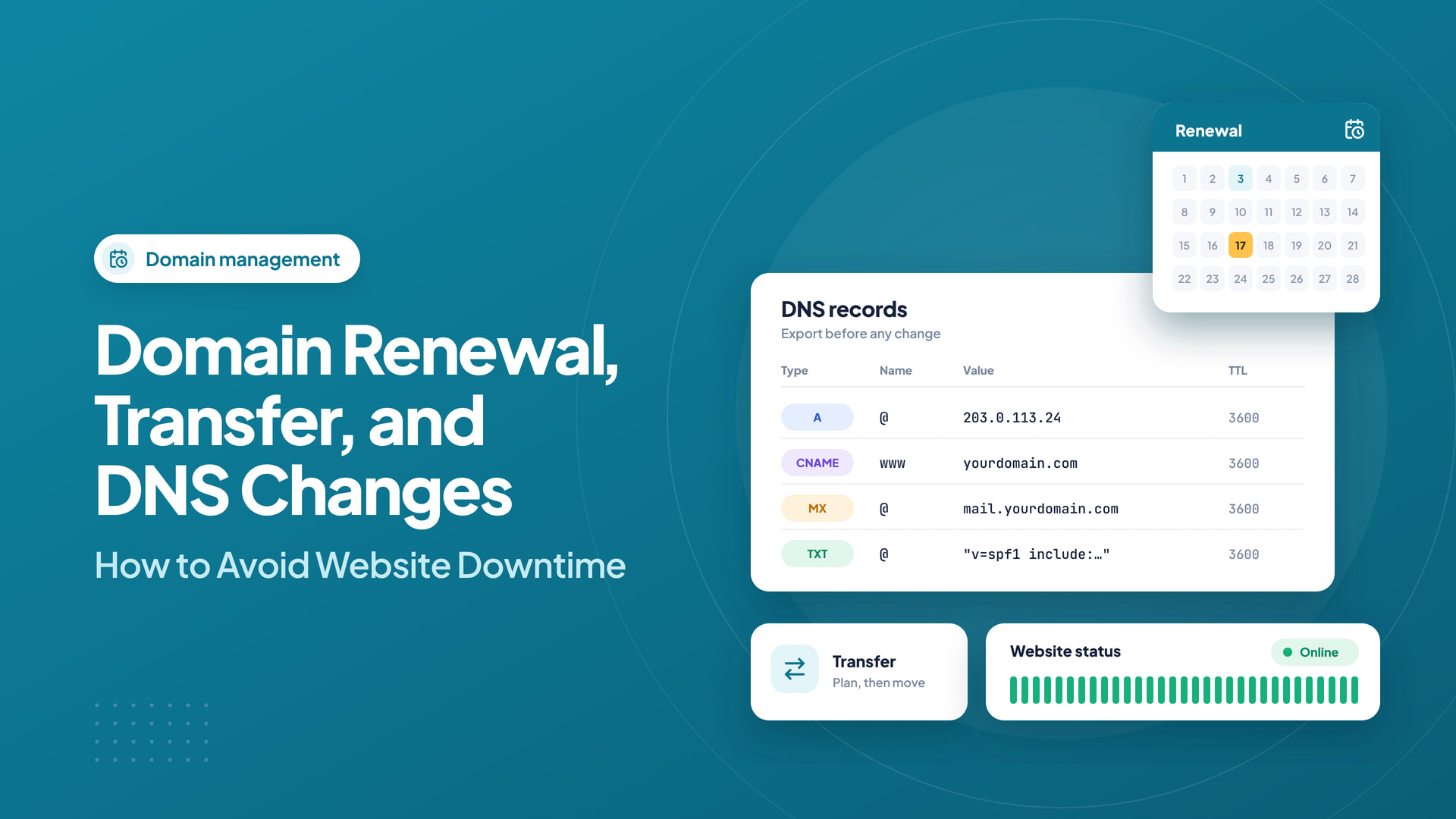
A website can be perfectly healthy on its server and still become unreachable when its domain expires or its DNS is changed incorrectly. Domain maintenance is a separate operational responsibility that deserves a written process.
Quick answer: Renewals, registrar transfers, and website migrations are separate jobs. Keep a DNS inventory, preflight the destination, protect mail records, and retain a rollback path through every critical change.
Prevent preventable expiration
Maintain accurate registrant contact details and send renewal reminders to more than one responsible person. If auto-renewal is enabled, ensure the payment method remains valid; automatic billing can fail. Schedule a manual review before the expiration date rather than treating auto-renewal as a guarantee.
Different domain extensions have different expiration and recovery rules. Check the specific registrar and registry policies long before the deadline.
Plan a registrar transfer before starting it
Verify that you control the domain account and that the domain is eligible for transfer. Some domains have temporary transfer restrictions after registration or certain account changes. Confirm the authorization-code procedure and whether renewal time is included in the transfer fee.
Start with enough time to resolve problems. A transfer started shortly before expiration adds avoidable risk.
Keep a full copy of DNS records
Export or record the current A, AAAA, CNAME, MX, TXT, and relevant service records. Email authentication settings are particularly easy to overlook. If authoritative nameservers will change, recreate the necessary DNS zone before switching them.
Where appropriate, reduce TTL values in advance so planned record updates are picked up more quickly. Remember that DNS caches can still behave differently across networks.
Distinguish domain transfer from website migration
Changing registrars does not normally require changing the website’s files or server. Likewise, you can move a website to new hosting without moving the domain registration. Unnecessarily combining both operations makes troubleshooting harder.
Check HTTP access, HTTPS certificate issuance, email receipt, outgoing email authentication, and subdomains after the change.
Compare transfer and renewal terms transparently
A domain management page should make current extension pricing understandable. For example, Intelwebhost publishes registration, renewal, and transfer figures for supported extensions. Prices and eligibility may change, so confirm the live checkout details before acting.
Build a domain change calendar before touching DNS
Treat renewals, registrar transfers, and hosting migrations as three distinct projects. Start by writing down the exact action you need. A simple domain renewal usually does not require changing DNS. A transfer between registrars usually does not require moving the website. A hosting migration may only require modifying DNS after the new server has been tested. Combining all three operations without planning creates more chances for avoidable downtime.
At least several weeks before an important renewal, confirm the billing contact, payment method, expiry date, and registrar access. If you plan to transfer the domain, review lock status and transfer restrictions early. Some domain policies limit transfers around recent registrations or ownership changes. Country-code domains may have different rules; verify the current requirements for the specific extension.
Export DNS records and identify critical services
Before changing authoritative nameservers, export existing A, AAAA, MX, CNAME, and TXT records. Include SPF, DKIM, DMARC, domain-verification tokens, and records used by external services. Note the intended TTL values, but remember that caching behaviors vary and a lower TTL is not a magic guarantee of instant changes.
List services that depend on the domain: website, mail, helpdesk, payment callbacks, API endpoints, analytics verification, and any SaaS application using custom hostnames. A successful website migration is incomplete if support emails no longer arrive or payment webhook requests point to an old address.
A low-risk website migration sequence
Provision the new hosting account first. Restore a copy of the website and database, confirm the PHP version and required extensions, and test the site using a temporary hostname or hosts-file override when appropriate. Run form submissions, admin logins, and any purchases in a controlled environment. Copy recent database changes as close as practical to the cutover if the site is actively updated.
When the new site is ready, update the needed DNS records and monitor traffic at both old and new environments. Do not terminate the previous hosting account immediately. Wait until website, mail, SSL, and dependent services have passed acceptance checks and you understand how long old DNS answers may remain cached.
Diagnose problems in the correct layer
If the website does not open after an update, check authoritative DNS answers first, then the actual origin IP and web server configuration. A TLS certificate error is different from a DNS error. If email stops arriving, inspect MX and authentication records before blaming WordPress. If a transfer is delayed, check registrar approvals and registry state rather than changing hosting credentials.
Keep a change log with the time, previous value, new value, expected outcome, and rollback action. In a team, assign one person to approve DNS changes and another to verify the result. This small operational discipline prevents people from overwriting one another’s fixes during an incident.
A practical rollback plan
- Retain the old website and database backup until validation is complete.
- Keep copies of the previous DNS zone and record TTLs.
- Know which operator can log in to the registrar and DNS provider.
- Document how to restore the previous A or AAAA records if required.
- Verify that email and transactional services also return to a known-good state.
- Announce planned maintenance to staff before a revenue-critical cutover.
Keep a small recovery playbook
Store domain account access securely, list the authorized administrators, document the DNS provider, and record whom to contact during an incident. Maintain offline copies of critical DNS entries and a method to access business email if the main domain experiences a problem.
Domain uptime is largely a matter of preparation. A few scheduled checks each year can prevent an expensive interruption at the worst possible moment.
Frequently asked questions
Does transferring a domain automatically transfer its website files?
No. Domain registration and website hosting are separate. Website files, databases, and email accounts require their own migration plan.
Can changing nameservers interrupt email?
Yes, if the new authoritative zone lacks the correct MX and related TXT records. Copy and verify the entire DNS zone first.
How long does DNS propagation take?
There is no single universal time. It depends on TTLs, recursive caches, authoritative changes, and service behavior; monitor actual results rather than assuming an exact deadline.